Skip to content

Case study · Assistant and accounts

Ask your accounts your questions,in plain language

A clinic keeping its accounts in Horus, with several companies, and a team that wanted to query its figures without opening the software.

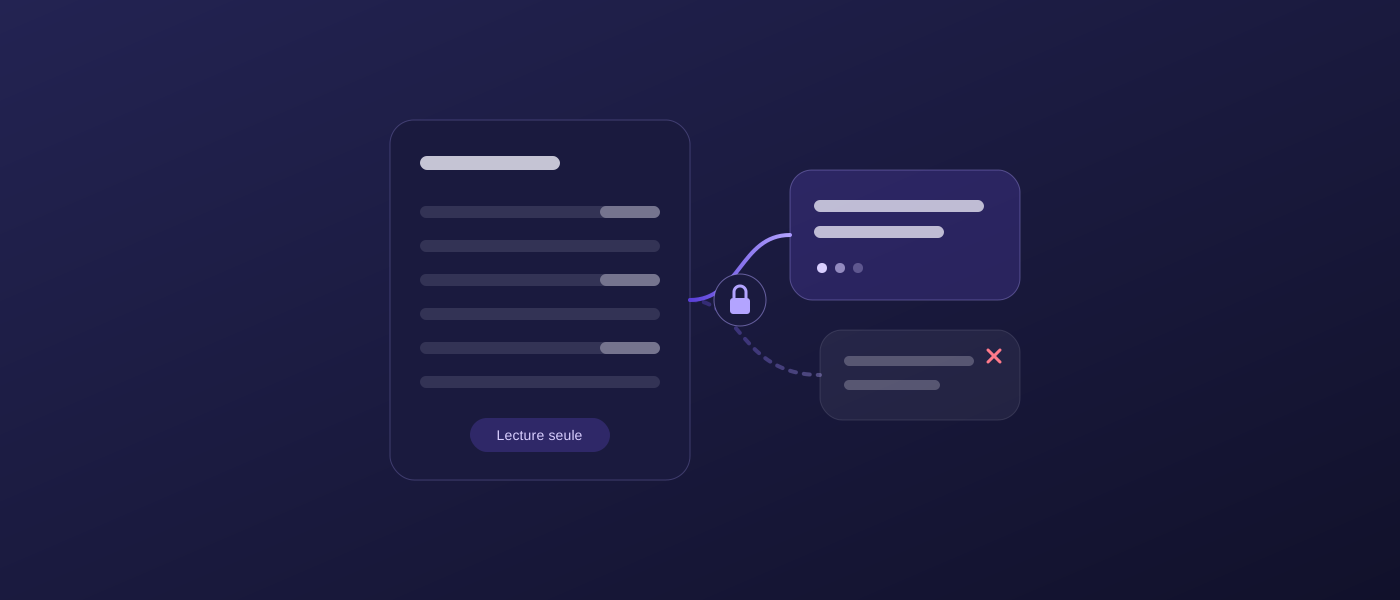
Illustration of an assistant connected read-only to the accounts

The need

“Which supplier invoices are still open?”, “Where does this account stand?”: for every question, someone had to open the accounting software, search and export. The team wanted to ask its AI assistant directly.

Before, after

After

  • Horus accountsinvoices, trial balance, general ledger
  • User accountsone each, read-only
DeepFlow
  • Answer with its sourcedocument number, date, amount
  • Question logwho asked what, when

What we did

01

A secure connector between the assistant and the accounts

We set up a connector hosted by DeepIT between the clinic's AI assistant and its accounting software. The assistant can consult the chart of accounts, the journals, third parties, the trial balance, the general ledger, open invoices and documents.

02

Read-only, twice over

The connector only accepts reads: any write request is refused before it even leaves for the accounts. On the accounting software side, the access granted is also limited to reading.

03

Everyone signs in with their own account

No shared password and no key handed to the client: each user signs in with their accounting account and only sees the files they already have rights to.

04

Tested on the real data

Before handover, every tool was checked on the clinic's real data, and write attempts were indeed blocked. The clinic's team is now connecting, one user at a time.

What it changes

  • An accounting question takes one sentence instead of ten clicks.
  • The data doesn't leave the agreed framework: read-only, named access.
  • The same connector can serve any company using this accounting software.

And your data?

Connecting an AI to business data needs a framework: who sees what, what is read, what never is. We set it with you before we start, and we check it afterwards. See our method

Your figures, in one question

We look with you at what your team asks the accounts most often.